
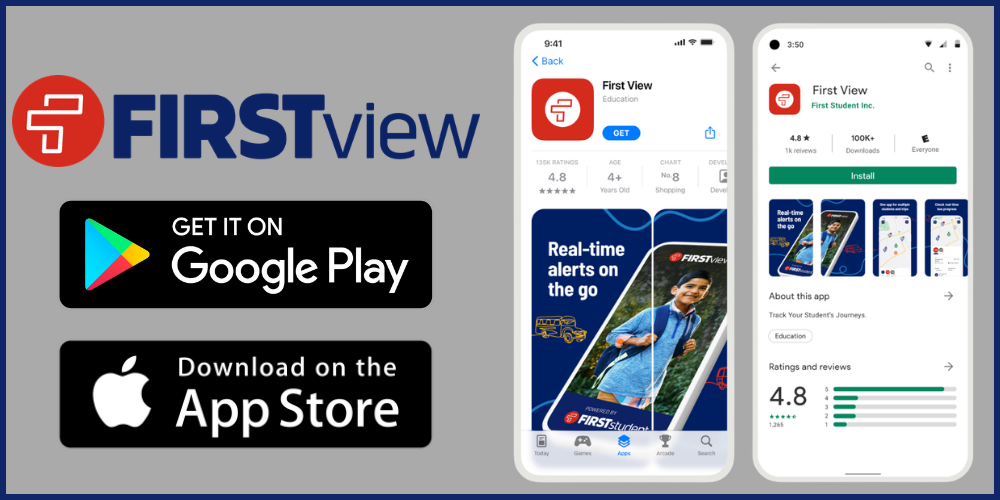
We are excited to announce a new partnership with our transportation provider, First Student, to launch FirstView®, a real-time GPS vehicle tracking and student transportation monitoring platform!
With the free FirstView® mobile app, guardians and caregivers can stay connected to their student’s daily bus trips right from a smartphone.
Real-Time Tracking: View the real-time location of your student’s bus on a GPS map.
Stay Updated: Easily access vehicle details and receive updates regarding any schedule changes.
Custom ETA Notifications: Set up distance-based alerts to know when the bus is approaching your stop.
Share Access: Add family members or caregivers so they can receive trip alerts via email.
Getting Started with FirstView®
Step 1: Download the App Search for FirstView 1.0 in the Apple App Store or Google Play Store and create a new account. (Note: All users must set up a new account, as previous FirstView accounts do not migrate over. Devices must meet minimum operating system requirements).
Step 2: Set Up Your Profile To link your student to your account, enter:
District Code: G9B9Y
Student’s ID Number
Student’s Last Name:
Confirm your student's name to add them to your profile.
Step 3: Set Up Notifications Select Set Distance Notifications to choose when you receive push notifications as the bus approaches your stop. You can modify these anytime by tapping the notification bell icon and selecting Notification Settings.
Optional: Add yourself and/or other family members and caregivers as a notification recipient to receive email alerts. To set this up in the app, click on the notification bell and select Manage Recipients.
Step 5: Start Tracking! Once set up, you can monitor your student’s daily route progress on the map.
Important Note Regarding Bus Routes:
Our First Student drivers are working hard navigating their routes to prepare for a smooth school year. Please note that bus stop changes cannot be made at this time. We appreciate your understanding and cooperation as we work to ensure safe and efficient transportation for all students.
Important Transportation Reminders:
Remember, your students' transportation information can now be viewed in your Infinite Campus parent portal by logging in and clicking "more" and "Transportation" on the left of your screen. (If your student's information does not appear, the information has been emailed to you. Contact our Transportation assistant at 262.970.1150 for questions)